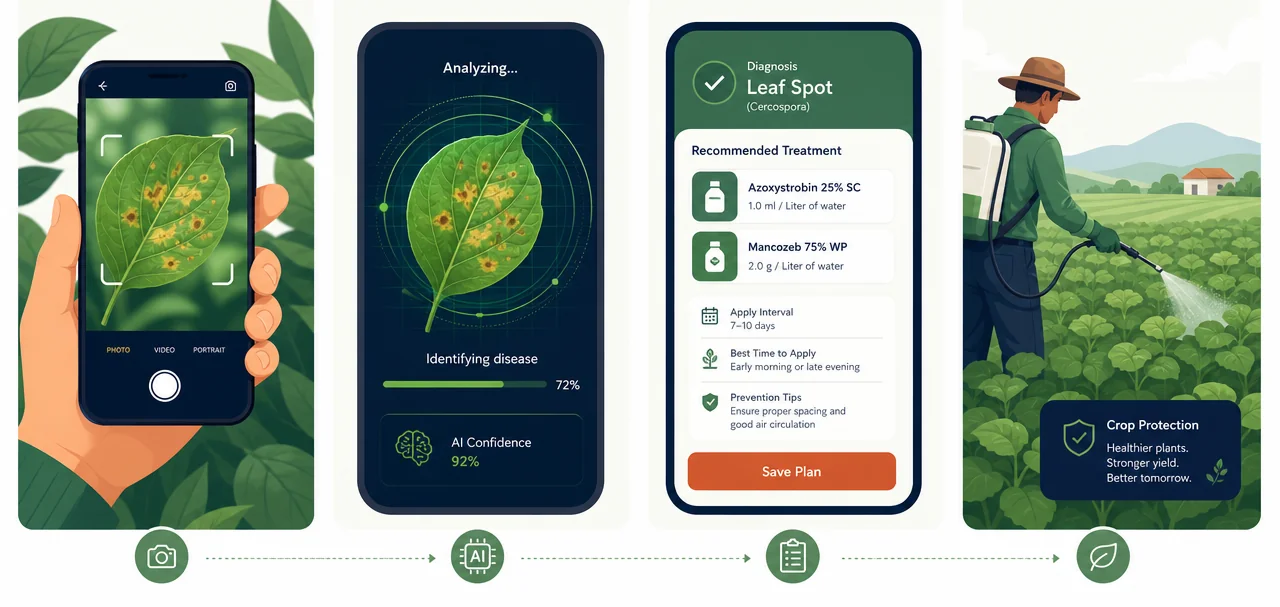
No lab, no waiting for an expert to visit. Here's exactly what happens each time you use Healthy Greens API, and the technology that makes it possible.
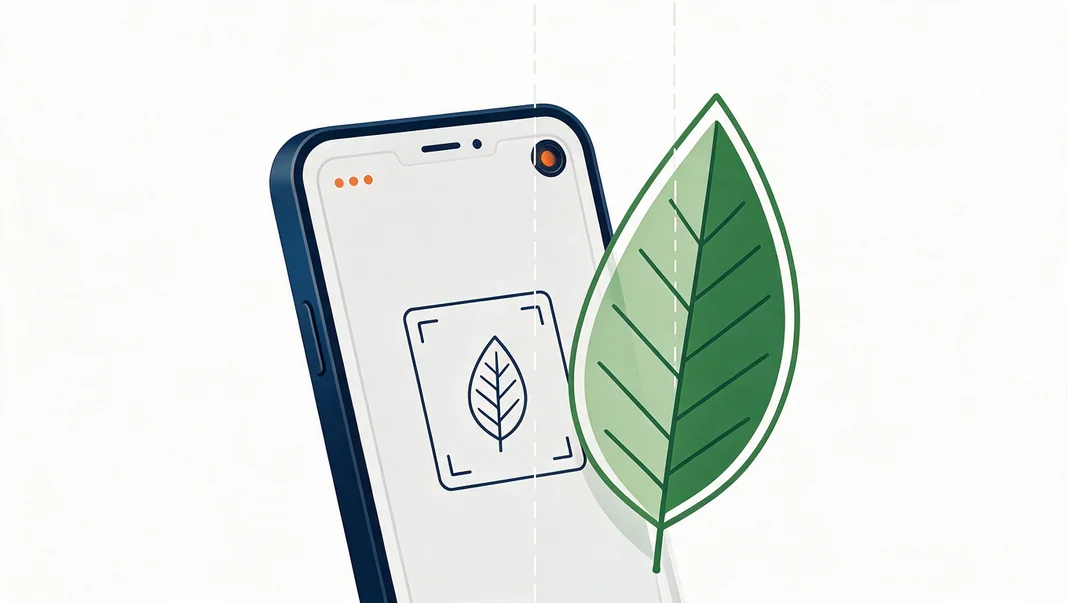
Open the app and take a clear photo of the affected leaf. No special lighting or lens needed — your phone camera is enough.
The image is analyzed against patterns from lakhs of field photos to identify the likely disease or pest at work.
You get a named diagnosis with a confidence score, so you know how certain the result is before you act on it.
Organic and chemical treatment options appear with dosage, timing, and prevention tips specific to your crop.
Fill the frame with the affected plant leaf. Healthy Greens API works with photos taken directly in the field or uploaded from device. If a photo is too blurry or too dark to analyze, the app tells you immediately and asks for a retake, rather than guessing.
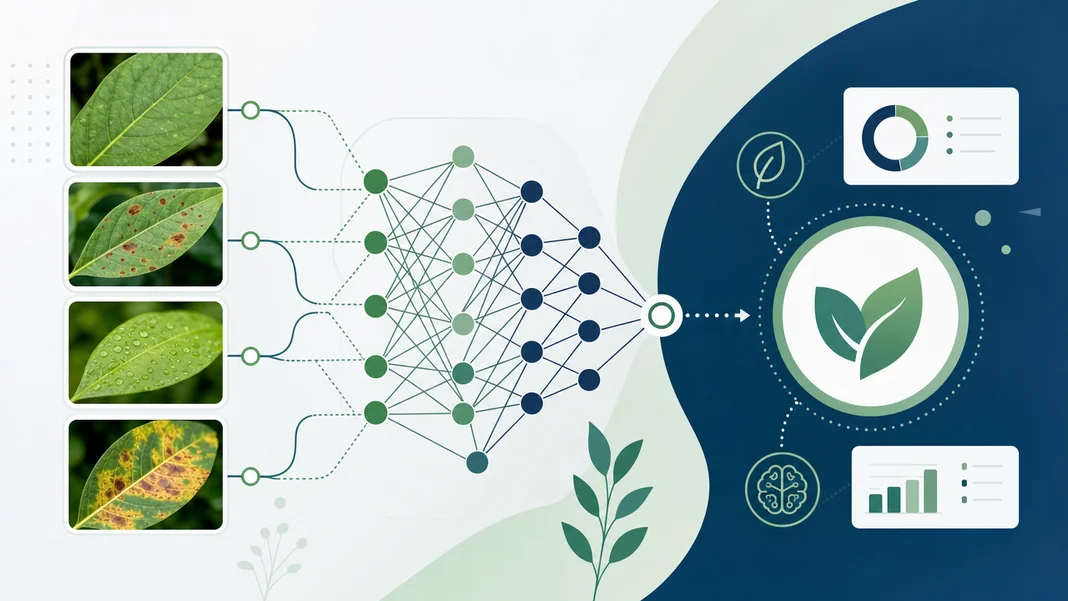
Your photo is compared against visual patterns for common leaf spots, blights, rusts, mildews, wilting, and pest damage. The model looks at shape, color distribution, and texture across the leaf, the same cues an agronomist would look for, and returns the diagnoses it considers most likely along with a confidence score for each.
We're upfront that no model is perfect — a low confidence score means we'd recommend a second look.
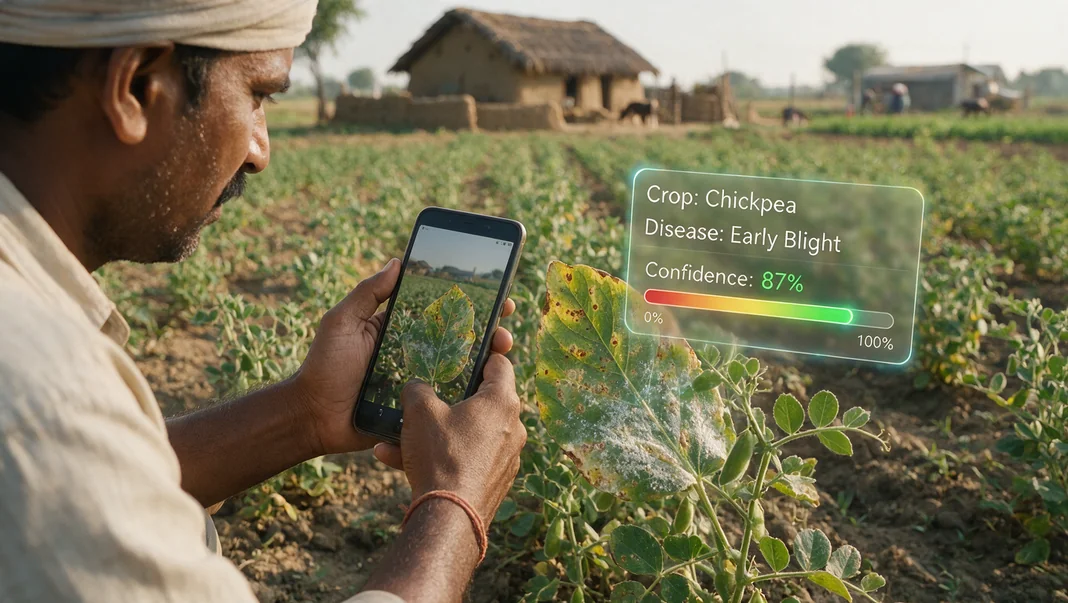
You'll see the disease name in local language, its scientific name for reference, and a confidence percentage. Where it's relevant, Healthy Greens API also names the specific crop and shows you the exact area of the leaf that drove the diagnosis.
Every diagnosis comes with recommended treatments — both organic and chemical — along with the dosage, how often to apply, and the best time of day to do it. You'll also get prevention tips so the same issue is less likely to come back next season.
See treatment recommendations in detailAccuracy varies by crop and disease, which is why every result includes a confidence class rather than a flat yes/no. High-confidence results (90%+) are usually reliable enough to act on directly; lower scores are a signal to get a second opinion from our expert community.
More than 85 crops are supported by API including tomato, wheat, corn, rice, and chickpea, with more being added as we expand. You can suggest a crop when you sign up for the API access.
You'll need a connection to run a diagnosis, since the analysis happens on our servers. We're exploring an offline mode for common diseases as we grow — let us know if that matters to you.
Diagnosis is free during API testing phase with your app/product.